Case study 13 / 17
UX/UI & Product Design
Farming app UX/UI design: Kago Yama
- Client
- Kago Yama
- My role
- UX/UI design
- Timeframe
- 2022
- Discipline
- Agritech · Mobile app · Prototype
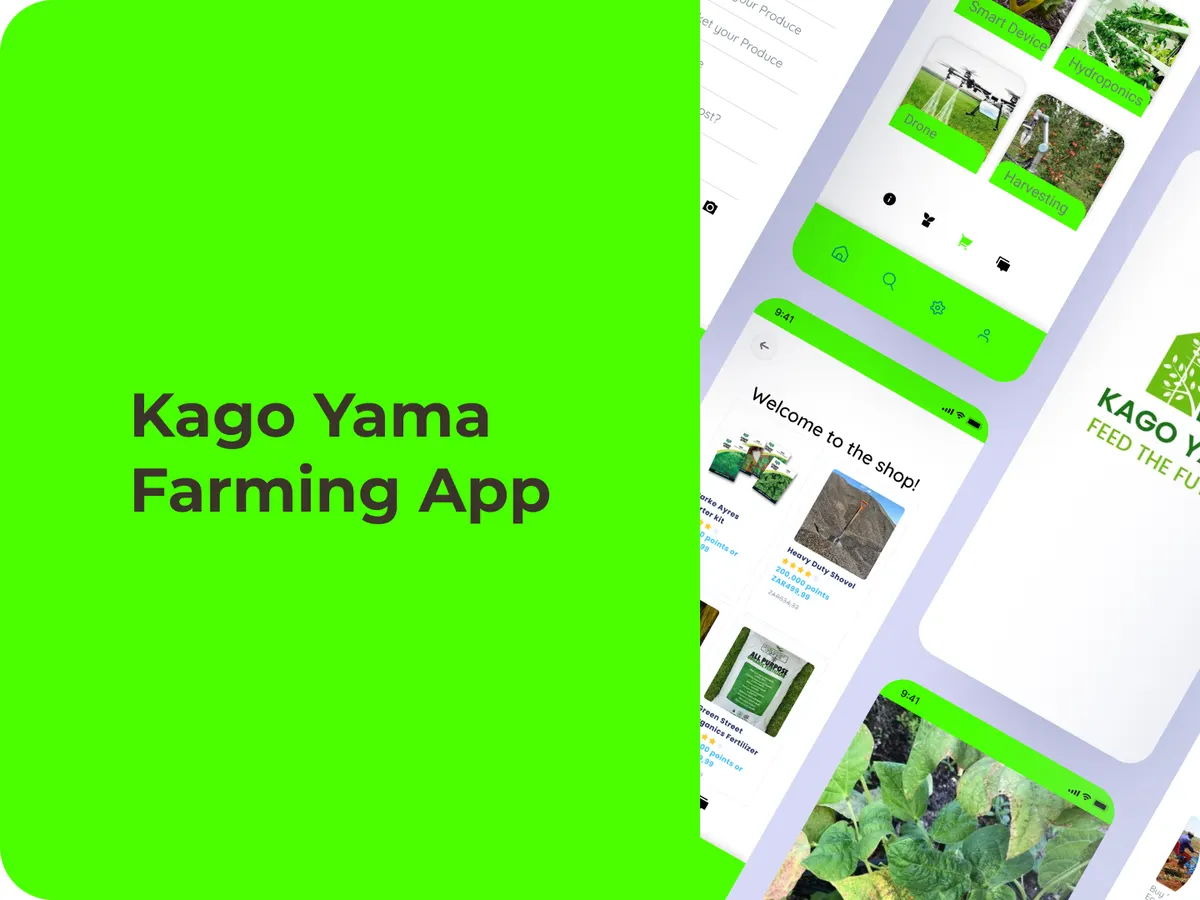
- Prototype screens
- ~25
- Review rounds
- 3
- Taps from plot to sale (design goal)
- <5
From the published Kago Yama case study.
(01) The short version
The short version
Kago Yama is a farming app concept for smallholder farmers around Limpopo: manage plots, spot crop problems early and sell directly to buyers. I designed about 25 screens in Figma, from onboarding to a mini marketplace. It stayed a prototype, until a real farm adopted the wireframes in 2025.
(02) The situation
The situation
Smallholder farmers in Limpopo face unpredictable crop health with no easy way to spot pests early, operations tracked on paper, and buyers who are often hours away with no way to book digitally.
(03) What I designed
What I designed
- 1
Farm profile
Sign-up with plot details, soil type and contact info.
- 2
Daily tasks
A checklist tracking planting, spraying and harvest.
- 3
Crop scanner
Upload a photo to flag common pests or diseases, shown as a rule-based demo.
- 4
Marketplace and community
Buy supplies, list produce for local buyers, and share tips in a community feed that rewards activity.
(04) What happened
What happened
Every flow was built in Figma with clickable hotspots and sample data from regional crop guides, then refined over three review rounds. The goal: a farmer gets from “plot to sale” in under five taps.
In 2025, a real Kago Yama farm in Limpopo used the wireframes as a blueprint for its own digital record-keeping.
(05) What I’d tell you
What I’d tell you from this one
Mapping every flow end to end, before any code, showed which features actually mattered: photo diagnostics, clear task reminders and a simple produce listing. The rest was nice to have.