Case study 12 / 17
UX/UI & Product Design
Event ordering app UX/UI design: Tengy
- Client
- Tengy
- My role
- UX/UI designer: product design, design system and strategic input
- Timeframe
- 2023–2025
- Discipline
- Mobile app · Events · Product design
(01) The short version
The short version
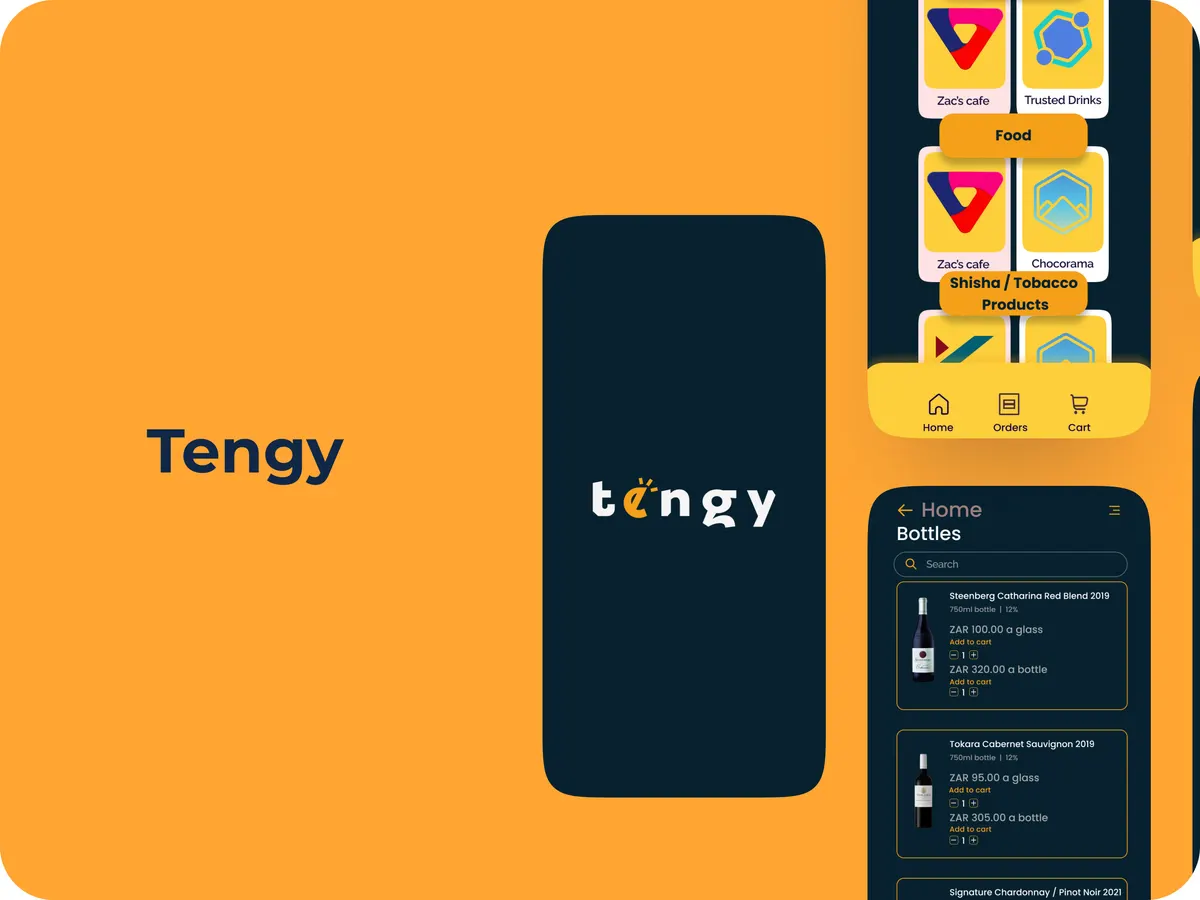
Tengy set out to fix the worst part of big events: the food and drink queue. As the UX/UI designer, I designed an app that lets attendees order from their seats and pay cashless, plus a real-time dashboard for vendors to manage orders. My role grew into product design and strategy along the way.
(02) The situation
The situation
At concerts and festivals, queues for food and drinks eat into the event people paid for, and vendors lose sales to the people who give up waiting.
The challenge was a smooth ordering flow for attendees and a dashboard vendors could run in a loud, busy, chaotic environment, without ignoring the technical and business constraints.
(03) What I designed
What I designed
- 1
Remote ordering
Attendees order straight from their seats, so nobody has to choose between the headline act and a burger.
- 2
Cashless payments
A secure, quick payment flow inside the app.
- 3
A real-time vendor dashboard
Order management for vendors, built to cut wait times and keep service quality up during the rush.
- 4
A design system
Shared components and task flows so the attendee app and vendor tools stay consistent as the product grows.
(04) What happened
What happened
The work covered task flows, system architecture, initial designs and the design system for the attendee app and vendor dashboard.
From the published Tengy case study.
(05) What I’d tell you
What I’d tell you from this one
Designing for an event is designing for distraction. People are tipsy, the music’s loud and the battery is at 9%. Every extra tap is a sale lost to the queue you were trying to remove.